Network Ace
Pass on the jobs you cannot take, and track every one.
Network Ace tracks the jobs you pass to companies in your network and the jobs they pass to you, with an optional referral fee on each.
When a homeowner asks for work you cannot take, you send the job to a network company you chose yourself. If another company has a job for you, they pass it in through your send-me-a-job link. Every job is tracked from start to finish on both sides.
From your list to a finished job.
Add the companies you work with on the Your network tab.
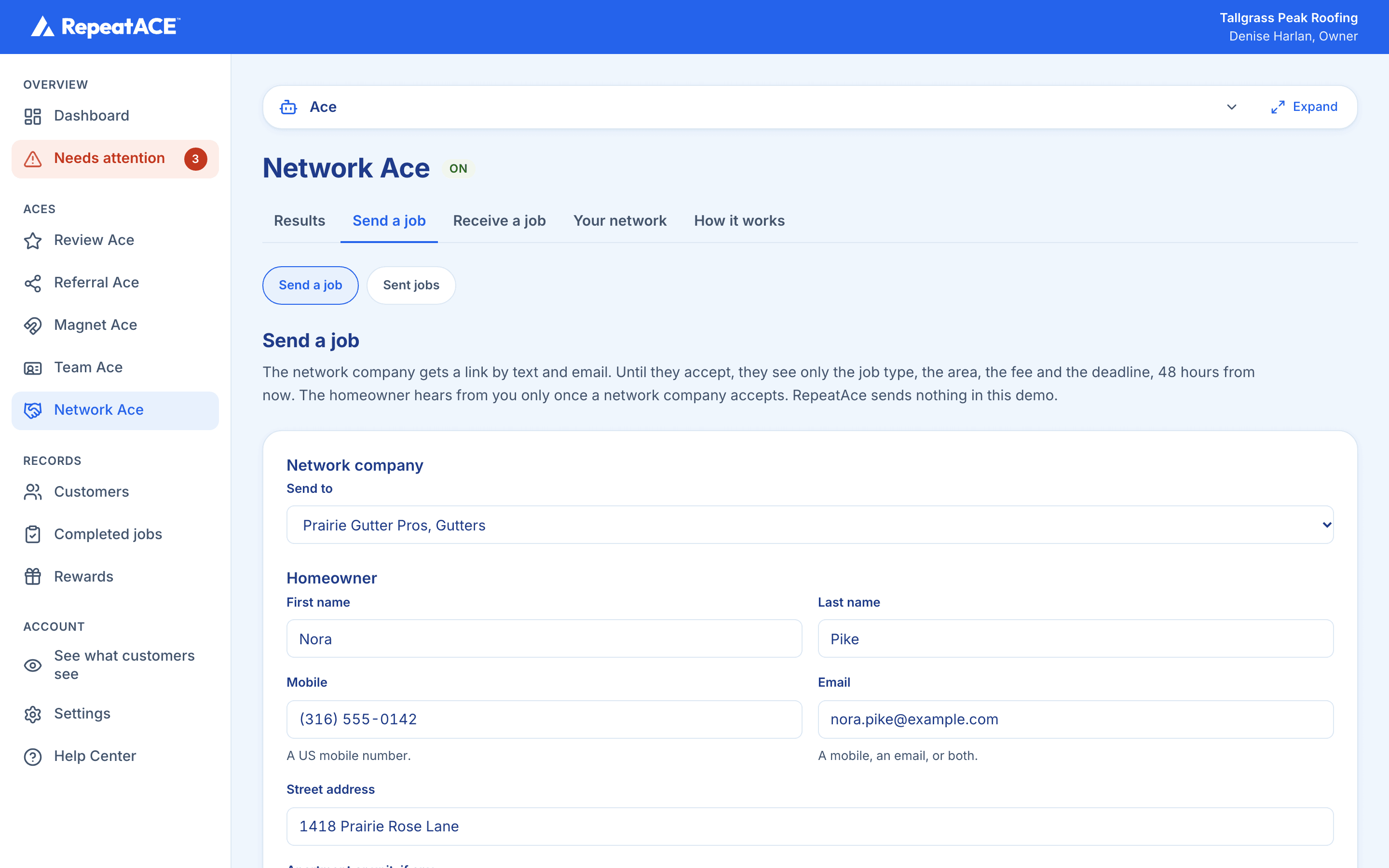
Send a job from the Send a job tab. You pick the network company, enter the homeowner's details and the job, set your referral fee or no fee, and confirm the homeowner agreed to be referred.
The network company gets a link by text and email. Until they accept, they see only the job type, the area, the fee and the deadline.
They have 48 hours to accept. Once they accept, the homeowner's details appear for them, and the homeowner receives one text saying who will be in touch.
The network company does the work and marks the job complete. Any fee they agreed to is then owed to you, and they pay it to you directly.
To receive jobs, give network companies your send-me-a-job link from the Receive a job tab. Jobs they pass you appear under Received jobs.
Private, and paid between the two companies.
- Your network list is private. There is no public directory, and RepeatAce does not match you with companies you do not know.
- A homeowner's details are never shown to a network company before it accepts. Declined or expired jobs never show them.
- Referral fees are paid directly between the two companies. RepeatAce never handles the money.
- The other company needs no RepeatAce account: they accept, decline and complete jobs from a link, with no login.